

Rulers
Rulers allow you to visualize the coordinates of selected objects and to accurately position them on the canvas. To show or hide rulers, go to View > Show/Hide Rulers [⌘ - R].
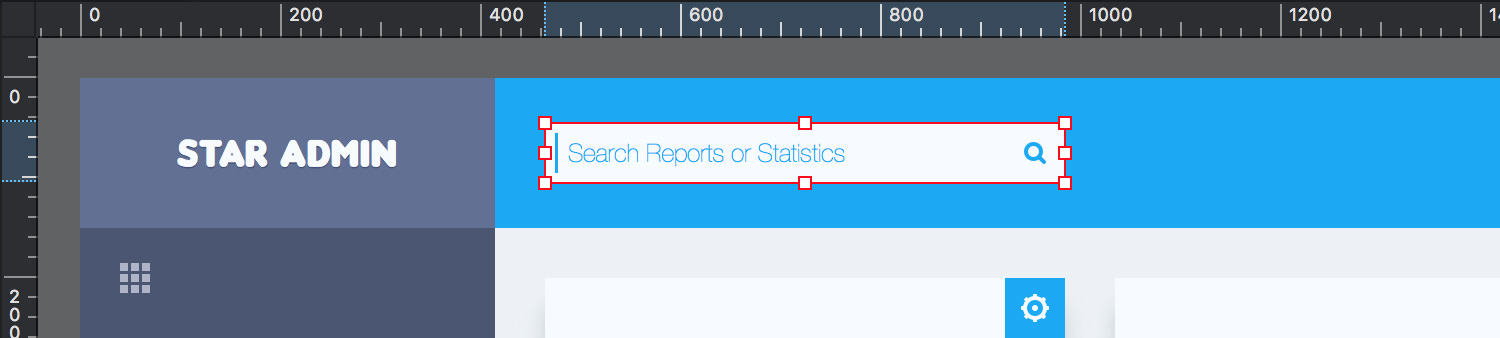
Rulers appear along the top and left side of your active document. The 0 point on each ruler is located at the top-left corner of your canvas. Markers on the rulers will highlight the position of any selected object.
Right-click on a ruler to quickly change the measurement unit or to add a precise Guide.
Next: Guides >